“`html
How to Customize Your Smartphone Interface
In the contemporary digital age, our smartphones serve as much more than just communication devices. They are personal assistants, entertainment hubs, and, most importantly, an extension of our personality. Customizing your smartphone interface not only enhances your user experience but also reflects your individuality. From changing wallpapers to utilizing advanced launcher options and safeguarding your customization, this guide offers practical steps to personalize your device. Embrace the creative journey of smartphone customization and transform your device into a unique masterpiece tailor-fitted to your preferences.
Embrace Personalization
Starting with the Basics
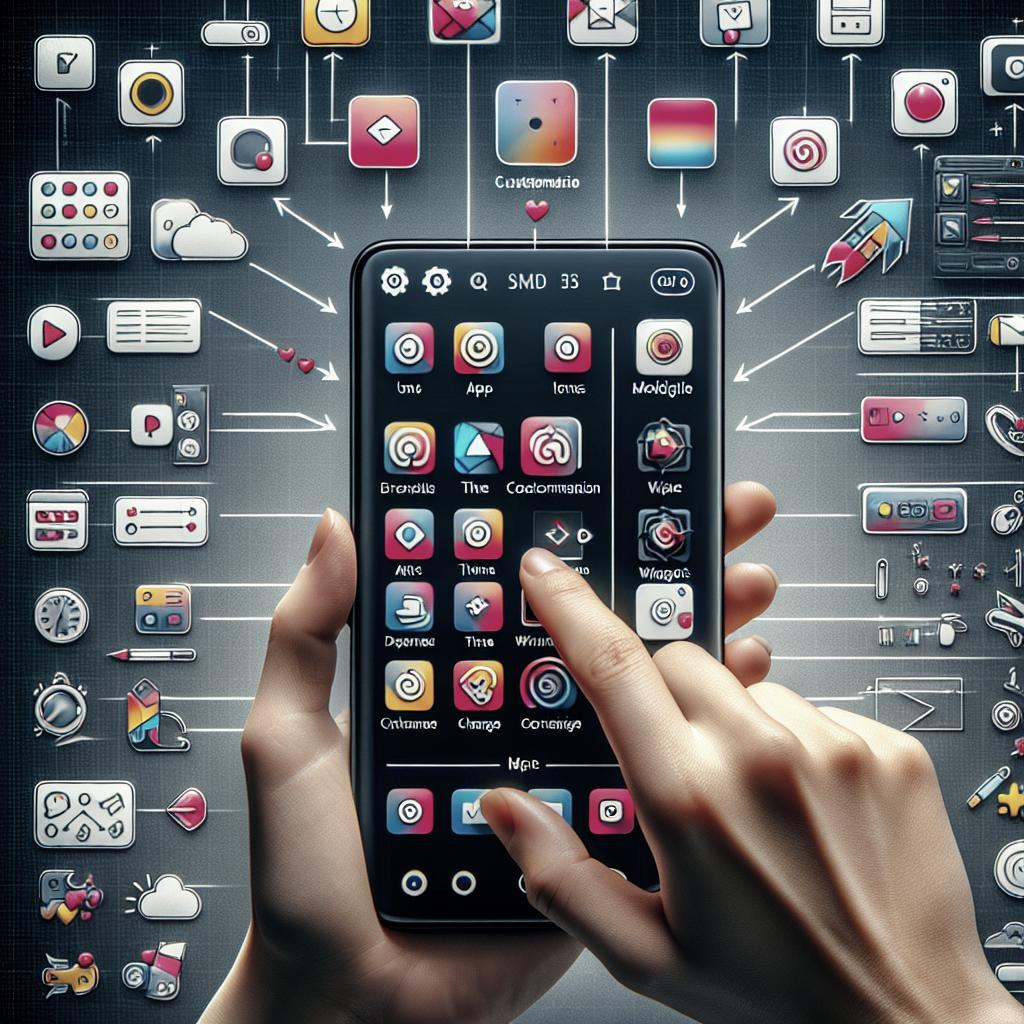
When it comes to customizing your smartphone, the fundamentals play a significant role. Start with adjusting basic settings like your home screen layout and color schemes. Most smartphones have in-built customization options that allow you to modify the grid size and icon shapes. Simple changes to these elements can refresh the way you interact with your device.
Additionally, explore accessibility options to tailor your device to your needs. Whether it’s enabling larger text for better readability or modifying touch gestures, these settings ensure that your phone is as comfortable and user-friendly as possible.
Icons and Widgets: The First Step
Icons and widgets are the building blocks of your smartphone’s aesthetic. Begin by selecting apps that align with your daily routine and make them easily accessible on your home screen. You can replace standard icons with themed ones or those that match your personal style. Third-party apps like Icon Pack Studio allow you to create unique icons, adding a personal touch.
Widgets are equally essential for customization, providing quick information without opening apps. Use weather, calendar, or note widgets to make your home screen both functional and stylish. Experiment with widget sizes and positions to achieve a balanced and practical layout.
Exploring Wallpaper Wonders
Static vs. Live: Choosing Your Background
Your wallpaper sets the tone for your entire smartphone experience. Static wallpapers are simple images, while live wallpapers offer dynamic visuals. The choice between them depends on your taste and battery life preference, as live wallpapers can consume more power. Various apps and online sources provide a vast selection of options for either preference.
If you opt for live wallpapers, consider how they complement your icons and widgets. It’s essential to strike a balance between visual dynamism and functional clarity to avoid unnecessary clutter or distraction.
The Art of Matching Wallpapers to Themes
Selecting a wallpaper isn’t just about choosing a pretty picture; it’s about creating a cohesive theme. Align your wallpaper choice with icon packs and overall color scheme to unify your device’s look. Opt for colors that reflect your personality, whether it’s a calming pastel or a vibrant, energetic hue.
Utilize design principles such as contrast and alignment to create visual harmony on your home screen. Themes can also be modified according to seasons, special occasions, or mood changes, offering endless possibilities for personalization.
Navigating Launcher Options
What is a Launcher?
A smartphone launcher acts as the custom skin of your user interface, allowing you to alter your device’s appearance and functionality. It is the medium through which your home screen, app drawer, and even app interactions are managed. Built-in launchers have limited customization, whereas third-party options offer extensive flexibility.
Custom launchers can radically transform your user experience by introducing new animations, layouts, and even features like gesture control or integrated search functionalities, broadening the horizon of personalization.
Top Launchers for Beginners
For those new to custom launchers, starting with highly-rated and beginner-friendly options can simplify the process. Nova Launcher, Action Launcher, and Microsoft Launcher are popular choices renowned for their ease of use and robust feature sets. These launchers offer free versions, with additional premium features available for advanced customization.
Experimenting with different launchers can help you identify features that match your lifestyle and enhance your device’s functionality. Start slow, adjust as needed, and enjoy the increased productivity and aesthetic appeal that a personalized launcher can provide.
Fine-Tuning with Advanced Settings
Unlocking Developer Options
For those willing to dive deeper into customization, the developer settings provide a host of advanced options. While these settings are typically hidden, they can be unlocked by tapping on the build number in your phone’s settings multiple times. Proceed with caution, as incorrect alterations can impact device performance.
Developer options can offer various tweaks such as animation speed adjustment, USB debugging, and background process limits, all of which influence the smoothness and responsiveness of your smartphone experience.
Tweaking for Performance and Aesthetics
Beyond basic settings, tailoring your smartphone for optimal performance while maintaining aesthetics is crucial. Adjust settings like screen resolution and animation scales to balance visual quality with battery life and processing speed. Clean-up tools and battery optimization apps can further ensure your device remains in top shape.
Embrace trial and error; continuously tweak your settings, icons, and themes until you strike the right balance between beauty and efficiency. Remember that personalization is a dynamic process, and it’s okay to regularly revisit and revise your setup.
Securing Your Customized Experience
Privacy in Personalization
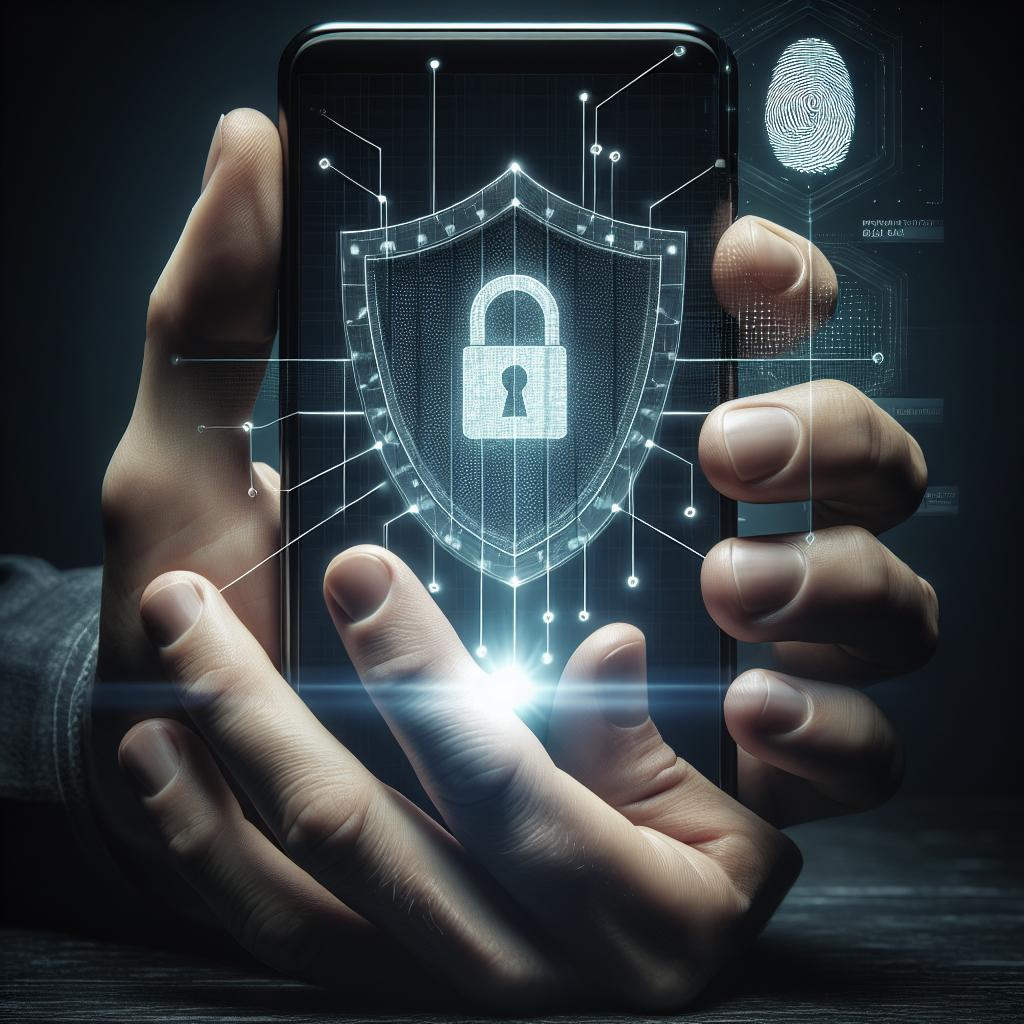
As you enhance your smartphone’s look and feel, safeguarding your personalized setup with security and privacy is essential. Prioritize password protection, biometric security, and secure app usage to maintain the integrity of your device. Privacy settings within individual apps can also be fine-tuned to limit data exposure.
Utilize app permissions settings to ensure only necessary data is accessible to each application. Being diligent with security measures ensures that your customized experience remains private and secure, offering peace of mind in your digital interactions.
Backup Strategies for Your Setup
To preserve your creative efforts, regular backups of your customized setup are recommended. Whether using cloud services or dedicated backup apps, having a secure copy of your layout, settings, and data ensures that you can quickly restore your environment if needed.
Pursue automated backup options for ease and reliability. Regular backups minimize disruptions and allow you to explore new customization without fear of losing your existing setup.
| Section | Summary |
|---|---|
| Embrace Personalization | Discover the basics of smartphone customization with ease, focusing on icons and widgets as a starting point. |
| Exploring Wallpaper Wonders | Choose between static and live wallpapers while crafting a cohesive theme to elevate your screen’s aesthetics. |
| Navigating Launcher Options | Understand the role of launchers in customization and explore beginner-friendly options to enhance user experience. |
| Fine-Tuning with Advanced Settings | Unlock developer options and modify settings to boost both performance and visual appeal. |
| Securing Your Customized Experience | Ensure privacy with robust security measures and regular backups to safeguard your personalized setup. |
As you embark on your smartphone customization journey, remember that personalization is a fluid, ongoing process. Experiment with different styles, settings, and tools to keep your device aligned with your evolving needs and tastes. Stay updated with new developments and trends to continue enhancing your experience, ensuring your smartphone remains not only a tool but a truly personalized extension of yourself.
“`