“`html
How to Set Up a Gaming Console
In today’s digital age, gaming consoles have become an essential entertainment device for many households. This guide will help you with the initial setup of your new gaming console, provide important considerations before purchasing games, and walk you through the installation of games. Additionally, we highlight valuable resources, including gift ideas for gamers and the best consoles on the market, to elevate your gaming experience. Our comprehensive walkthrough ensures you can enjoy seamless, personalized gaming while keeping your environment exciting and well-managed.
Setting up the Console
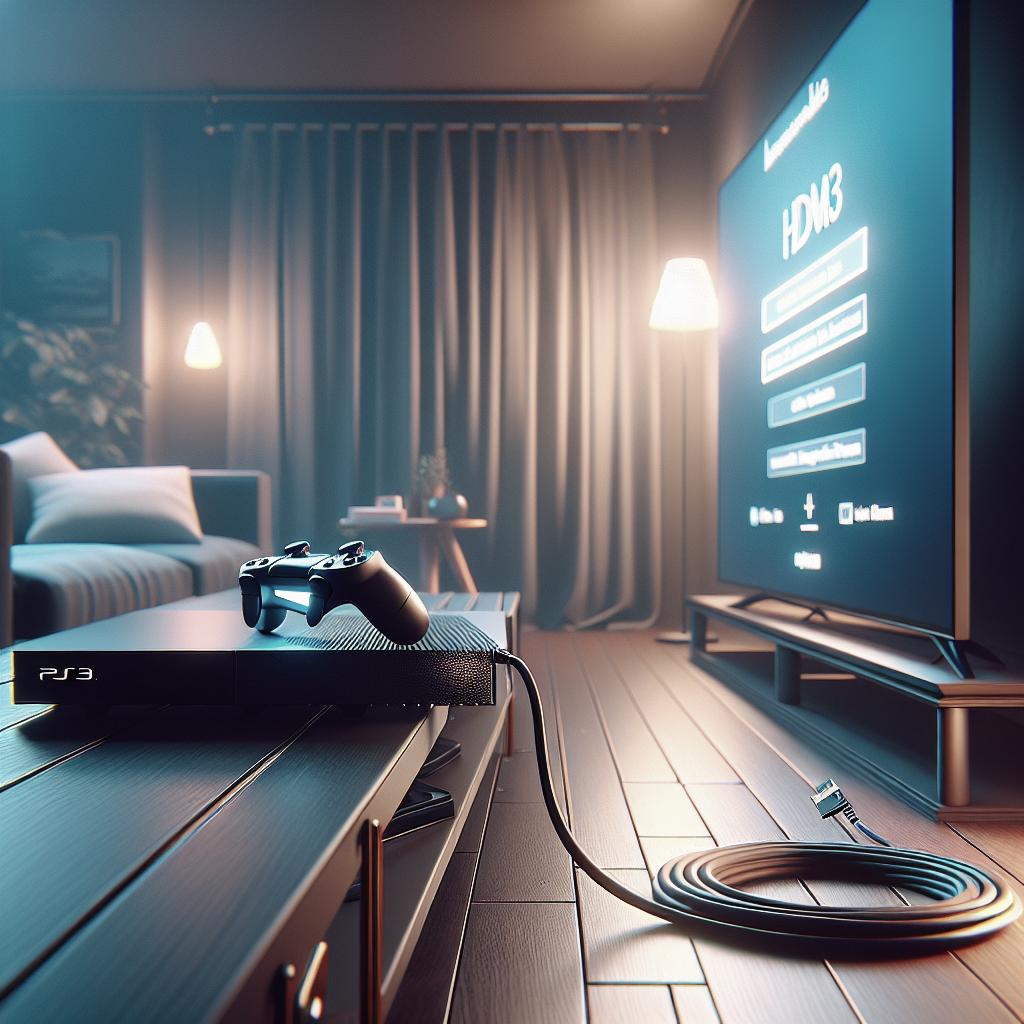
Setting up a gaming console might seem daunting at first, but with a few easy-to-follow steps, you’ll be ready to play in no time. Start by unboxing the console carefully, making sure that all components—such as cables, controllers, and power adapters—are included. Typically, this requires connecting the power cable to the console and finding an appropriate spot near your TV or monitor with good ventilation.
Next, connect your console to your TV. Most modern consoles use HDMI cables, so ensure your TV has a compatible input. Insert one end of the HDMI cable into the console and the other into your TV. Turn on the TV and switch to the appropriate HDMI input channel. Once your console is powered up, you’ll need to follow the onscreen prompts to select language, configure internet settings, and create or sign in to an account. A stable internet connection is essential for software updates and accessing online features.
What to Know Before Buying Games
Before purchasing games for your console, it’s crucial to consider compatibility and storage capacity. Ensure the games you’re interested in are available for your specific console model. Some games are exclusive to certain brands, such as Sony’s PlayStation, Microsoft’s Xbox, or Nintendo’s Switch. Additionally, check if your console has enough memory to store new games or consider using external storage solutions.
Pricing is another factor to weigh before buying games. New releases are often sold at premium prices, so budgeting accordingly is wise. Keep an eye out for discounts during sales events or explore subscription services like Xbox Game Pass or PlayStation Now, which offer access to a wide range of games for a monthly fee. Parents should also review age ratings and content descriptors to ensure games align with their family’s values and the players’ maturity levels.
Installing Games
Installing games on your console can differ depending on whether you have a physical disk or a digital download. For physical copies, simply insert the disk into the console’s drive and follow the onscreen prompts. The system will install necessary files and prompt you to launch the game once ready. This process might take some time, depending on the game’s size and your console’s speed.
For digital downloads, you’ll need to navigate to your console’s digital marketplace and purchase the game. Once the transaction is complete, your console will automatically begin downloading and installing the game. Ensure your console remains connected to the internet for seamless downloading. Keep in mind that updates may be required upon initial installation to ensure optimal performance and access to the latest content.
Mentioned above
While this guide provides substantial information on setting up and optimizing your gaming console experience, several additional resources can enhance your understanding. Explore our suggestions on gifts for gamers and choosing the right console. Dive deeper into privacy settings to ensure your gaming environment is safe and secure, especially if you’re sharing access with minors.
Leveraging these resources can dramatically elevate your gaming experience, providing you with a broader view of available options and ensuring you get the most out of your console setup. As technology continues to advance, staying informed about the latest innovations and best practices will help keep your gaming sessions enjoyable and trouble-free.
Further Reading
The 20 Best Gifts for Gamers
Finding the perfect gift for a gamer can be a challenge, with countless new releases and gadgets available. From cutting-edge accessories to the latest trending games, curated lists of top gamer gifts can lead you to that perfect pick. Consider ergonomic controllers, headsets with enhanced audio quality, or even a gaming chair for comfort during extended play sessions.
The Best Game Consoles
Choosing from the best game consoles currently on the market depends on individual preferences, including desired exclusive games, online services, and family gaming needs. Platforms such as the PlayStation 5, Xbox Series X, and Nintendo Switch are popular choices that cater to a diverse range of gaming interests. Reviewing detailed comparisons and user feedback can guide your decision process.
How to Manage PlayStation, Switch, and Xbox Privacy Settings
Understanding and managing privacy settings on your PlayStation, Switch, or Xbox is essential for a secure gaming experience. Each console provides options to customize account privacy, restrict communication, and monitor content accessibility. Taking advantage of these settings ensures a safer environment, particularly when kids are involved.
Wirecutter Picks to Curb Cabin Fever
Staying engaged during downtimes or while indoors can be challenging without the right resources. Wirecutter, known for its expert product recommendations, offers curated lists that help alleviate boredom through engaging gaming and entertainment options, perfect for all ages and preferences.
Related
Expand your knowledge with related content that can further enhance your gaming setup. From exploring VR capabilities to achieving the best graphics performance on UHD displays, these topics are worth diving into for a comprehensive experience.
Quick Links
Access valuable insights through these quick links, directing you to the latest trends and game reviews. Staying informed and up-to-date on new releases shores up your gaming arsenal with the most current offerings.
Trending Now
Currently trending games and gaming news can keep you at the forefront of what’s hot in the gaming community. Following the latest craze ensures you’re part of the larger conversation and able to connect with other gaming enthusiasts worldwide.
Nintendo Switch
The Nintendo Switch is renowned for its hybrid capability, serving both home-console and portable gaming functions. Its varied library of exclusive titles, including Mario and Zelda franchises, offers endless entertainment possibilities. Stay tuned for upcoming releases and console updates to maximize your Switch experience.
PlayStation
The PlayStation series has long been a juggernaut in the gaming world, thanks to its powerful hardware and exclusive blockbuster titles like “The Last of Us” and “Spider-Man.” Ensuring you take full advantage of PlayStation’s online services and game library is key to an enhanced gaming experience.
Xbox
Xbox consoles continue to innovate, offering the cutting-edge Xbox Series X with impressive graphics and fast loading times. Xbox Game Pass remains a compelling service, granting access to a plethora of games across various genres. Exploring these features helps you fully leverage what Xbox has to offer.
| Section | Summary |
|---|---|
| Setting up the Console | Guidelines on unboxing, connecting to a TV, and setting up an account and internet. |
| What to Know Before Buying Games | Advice on game compatibility, storage solutions, pricing, and age ratings. |
| Installing Games | Steps for installing games via physical disks or digital downloads. |
| Mentioned Above | Additional resources for enhancing your gaming experience and ensuring safety. |
| Further Reading | Details on gifts, top consoles, privacy settings, and related content. |
“`